Why email feels unmanageable—and where AI fits
Your inbox rarely grows because you “forgot” to respond. It grows because email mixes very different jobs in one place: decisions, status checks, scheduling, approvals, quick FYIs, and emotionally loaded conversations. Add constant context switching and you end up rereading threads, searching for the one detail you need, and postponing messages that feel risky to answer fast.
AI helps most when the work is repetitive and text-heavy: sorting, extracting what changed, and turning long threads into a short “what to do next.” It helps less when the job is judgment: committing to dates, making promises, handling conflict, or interpreting subtle context. The safest fit is an assistant that prepares options, then asks for approval before anything is sent.
Automating inbox triage, prioritization, and quick summaries
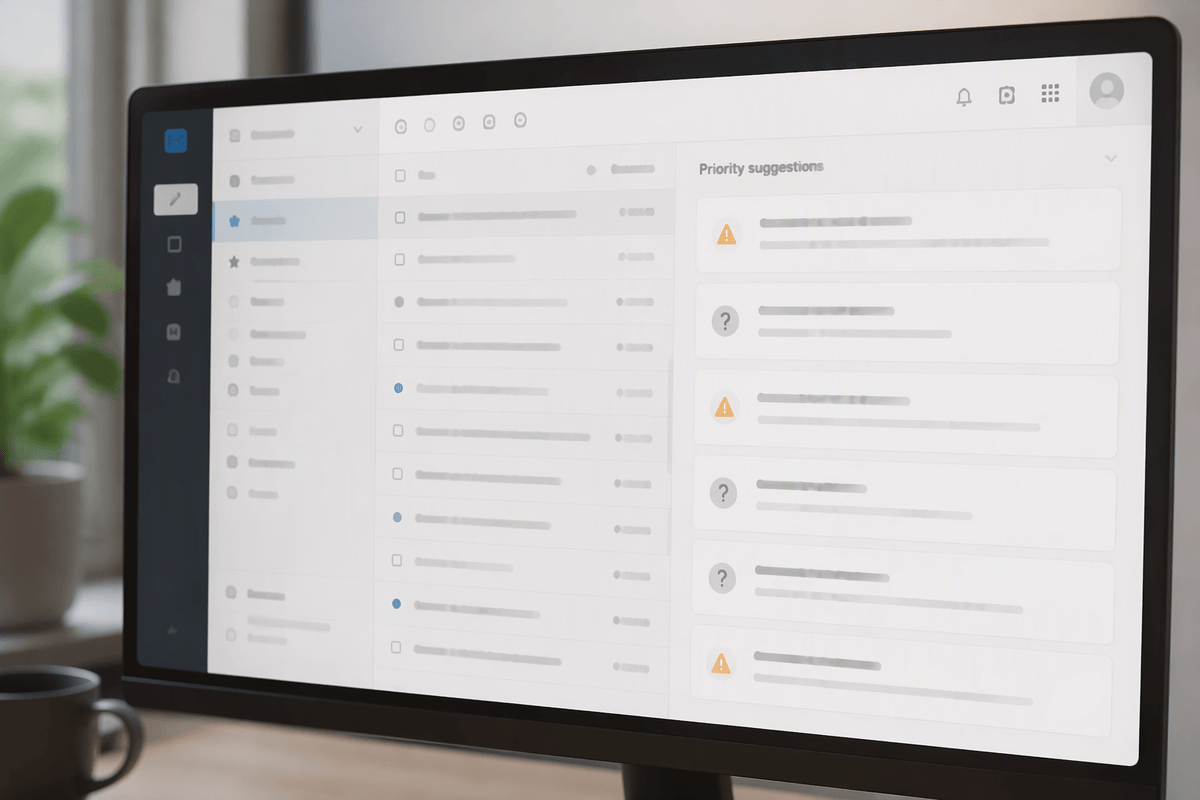
You can usually tell within seconds which emails deserve attention, but the cost comes from doing that scan a hundred times a day. Triage automation works when you translate your instincts into simple rules: “needs a decision from me,” “blocked until someone replies,” “FYI/newsletters,” “customer escalation,” “time-sensitive scheduling,” “can delegate.” A good AI assistant can apply those labels, surface the few messages that match your “today” criteria, and bundle the rest into a digest so you stop paying repeated attention tax.
Summaries are most useful when they’re structured, not chatty: the ask, the deadline, the latest change, open questions, and suggested next actions. Treat summaries like a pre-brief, not a replacement for reading. The practical constraint is setup and correction time—expect a week or two of teaching categories and fixing mislabels—plus occasional misses on nuance (sarcasm, soft commitments, or hidden “by end of day” urgency). Keep “priority” as a suggestion queue, not an auto-archive decision.
Drafting replies: what AI can write safely
You’ve probably stared at a message that isn’t hard, but feels expensive: a vendor asking for one clarification, a teammate wanting a quick status, a customer pushing for an update. Drafting is where AI can save time, as long as you treat it as a writing assistant, not a decision-maker. The safest use cases are replies that restate known facts from the thread, request missing details, or offer neutral options (“I can do Tuesday 2–4pm or Wednesday 10–11am—what works?”). It can also produce consistent templates for acknowledgments, handoffs, and “received, working on it” notes.
Where it still gets people in trouble is committing you to anything: prices, deadlines, policy interpretations, legal language, or “sure, we can do that” phrasing that quietly expands scope. Tone is the other failure mode—overconfident, too informal, or oddly wordy—especially across cultures or tense threads. A simple guardrail is to require approval for any send and to block auto-inserting numbers, dates, or promises unless they’re explicitly quoted from the email.
Scheduling, follow-ups, and nudges without dropping balls
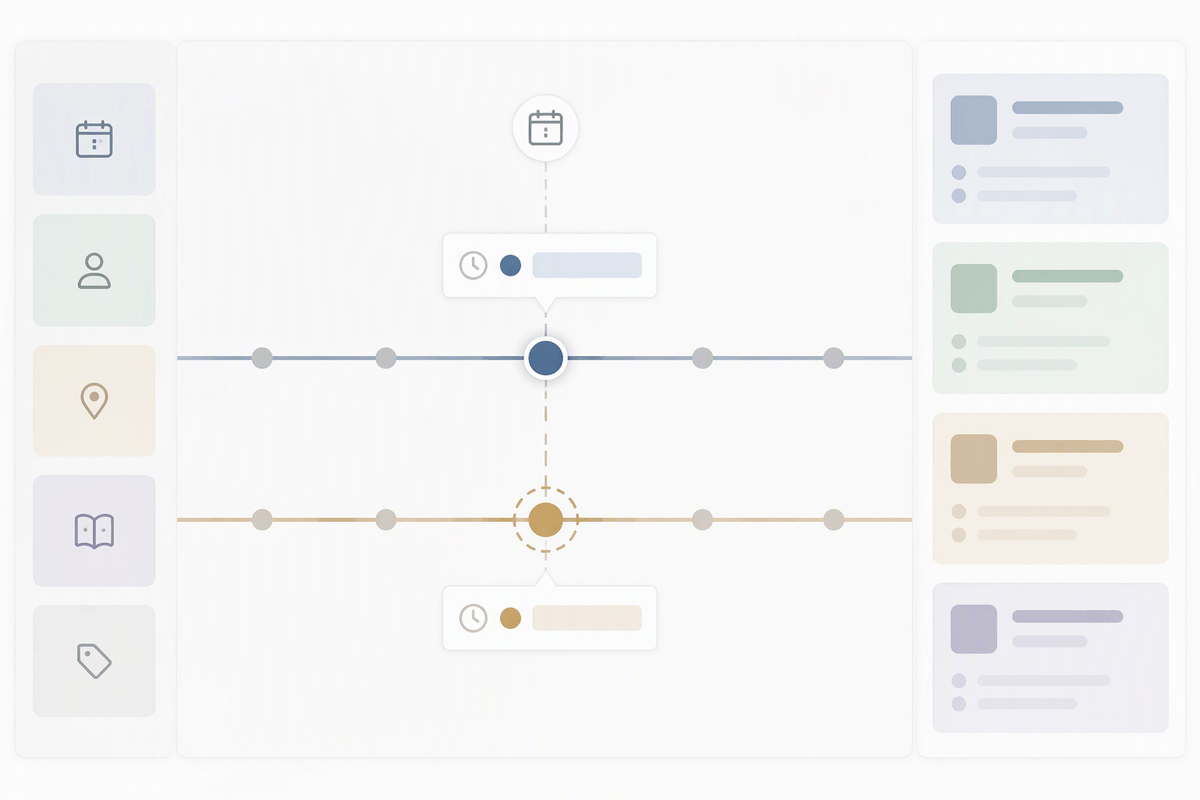
You can keep a surprising amount of email under control by treating scheduling and follow-ups as a tracking problem, not a memory problem. The reliable automation is extraction: the assistant pulls proposed times, time zones, meeting length, attendees, and constraints (“after the board meeting,” “before Friday”) and turns them into a short set of options you can approve. It can also draft the back-and-forth: confirm a slot, suggest two alternatives, or ask one clarifying question instead of starting a new thread.
Follow-ups work best as “nudges with receipts.” Have the system set a reminder only when a message contains a clear ask or dependency, then include the original question in the reminder so you don’t reopen the whole thread. The hard constraint is calendar authority and etiquette: auto-booking can double-schedule you, and automated pings can feel pushy, so keep send approval on and cap nudges to one or two before you step in.
Turning email into workflows with tools and integrations
A familiar friction point is when an email is really a task: “approve this,” “create a ticket,” “update the sheet,” “send the contract,” “loop in finance.” Workflow automation starts by extracting the structured bits—request type, owner, due date, customer, amount, attachments—then pushing them to the system of record. That can mean turning a support thread into a ticket with the right tags, creating a CRM activity from a sales reply, logging an invoice request, or drafting a project task with the full thread attached for context.
The trade-off is reliability versus reach. The more tools you connect, the more places an error can propagate. Keep guardrails: require approval before creating records, restrict which fields can be auto-filled, and use “suggested actions” rather than automatic updates. Expect real setup cost too: mapping categories to destinations, cleaning inconsistent labels, and handling edge cases like forwarded chains, shared inboxes, and attachments that can’t be parsed cleanly.
The hard limits: privacy, accuracy, and control
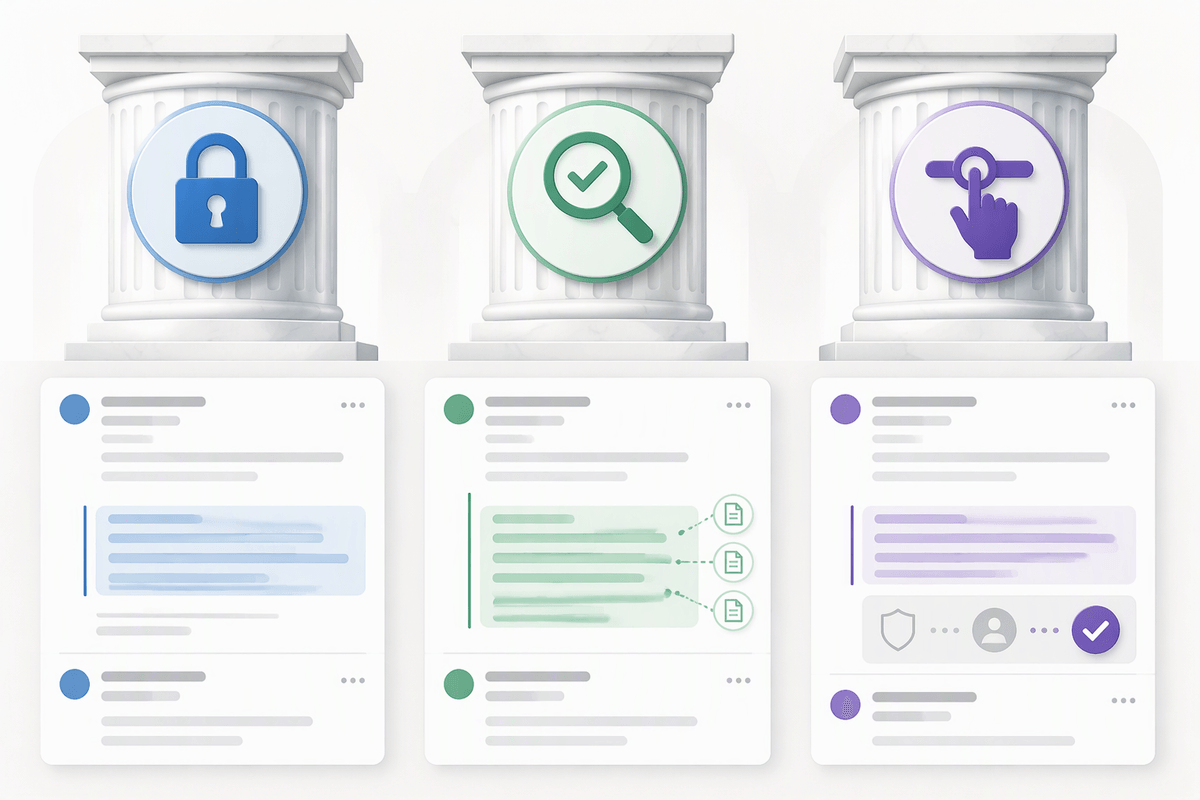
A common temptation is to give an assistant full inbox access and assume the benefits scale linearly. They don’t. The moment email includes customer data, HR topics, contracts, or internal strategy, privacy and compliance stop being “settings” and become part of your operating model. The practical check is simple: where is the data processed, how long is it retained, who can see it, and can you exclude specific labels, shared inboxes, or domains? Even with strong vendor claims, you still carry the outcome risk, so “don’t send without approval” is a baseline, not a power-user feature.
Accuracy failures are rarely dramatic hallucinations; they’re small misreads that create real commitments. An assistant can summarize a thread correctly but miss a single “not,” confuse which stakeholder agreed, or turn a tentative option into a firm plan. Treat extracted facts (dates, prices, scope, policy) as suspect until you can point to where they came from in the thread. Good tools show citations or quoted source lines; weak ones paraphrase confidently.
Control is the final constraint: automation should default to suggestions, not actions. If you can’t easily inspect what it changed, undo it, and set per-category approval gates, you’re buying speed at the cost of predictability.
A practical rollout: automate small, then expand
Most teams get better results by starting with one narrow loop you can verify quickly: auto-labeling plus a daily digest, or “draft only” replies for low-stakes threads. Run it in parallel for a week with approval required, then track misses: wrong category, wrong tone, missing context, or a suggested commitment you would not make. Tighten guardrails based on those errors—block sensitive labels, require quoted evidence for dates and numbers, and limit who can enable integrations.
Once the assistant is reliably preparing work, expand to one new job at a time: follow-up reminders, then scheduling extraction, then workflow suggestions into your ticketing or CRM. If you can’t explain what it will do, review what it did, and undo it in under a minute, it’s not ready to run unattended.