Why Code Llama, and why open now?
You already know the feeling: an assistant nails boilerplate, then falls apart on your repo’s patterns, naming, and edge cases. Code Llama is interesting because it’s built for code, comes in sizes you can actually run yourself, and is easy to evaluate in a controlled way. The “why open now” part is less ideology and more risk management. Open weights let you keep proprietary code out of third-party logs, pin a version for reproducibility, and tune prompts or adapters around your stack.
You pay in GPU budget, latency tuning, and integration work, and you may still lag top closed models on tricky reasoning. But if privacy, offline use, or predictable cost matters, “good enough, deployable” can beat “best, but remote.”
What coding tasks are you actually optimizing for?
The practical question isn’t “can it write code,” but where you expect it to save time without creating new work. If your day is heavy on autocomplete, scaffolding, and repetitive edits, you’re optimizing for low-latency completion and consistent style. That pushes you toward a smaller or quantized model that stays responsive in-editor, even if it’s weaker at multi-step reasoning.
If you want help with refactors, bug-fixing, and code review, you’re optimizing for different behavior: reading a wider slice of context, tracing data flow, and proposing changes that compile and fit your conventions. That favors larger variants and longer context settings, but it also raises costs and failure modes. A model that “sounds right” can still miss a subtle invariant, regress performance, or change behavior at boundaries. The best workflow usually treats it like a fast junior engineer: useful drafts, mandatory tests, and tight diffs.
Code Llama variants: sizes, instruct, context

Code Llama comes in small, medium, and large model sizes, with Instruct variants designed to follow instructions. Smaller checkpoints are often better suited to in-editor code completion, where quick responses matter, especially when quantization reduces memory use and inference time. Larger models tend to produce stronger refactoring suggestions, handle complex logic more reliably, and follow detailed constraints more consistently. However, their higher VRAM requirements and slower responses may make them less practical for everyday coding.
How Code Llama compares to other open coders
The differences between coding models become clearer with more demanding tasks, such as diagnosing a failing test, tracing a bug across several files, or proposing a minimal patch. Code Llama handles mainstream languages and common coding patterns well, particularly for completion and routine refactoring. Other open models may perform better in particular areas. Some are tuned for conversational code review, others support longer context for monorepos, and newer model families may offer stronger tool use and instruction following.
A useful comparison covers four areas: whether edits preserve existing behavior and coding conventions, how consistently the model handles context across files, how quickly it responds on the target hardware (including quantized setups), and how it behaves when uncertain. Some models produce obvious errors, while others return plausible code that is quietly wrong. Open models may require larger checkpoints, more deliberate prompting, and additional safeguards to approach the performance of leading closed assistants. Tests, linting, and small, reviewable diffs remain important parts of the workflow.
Licensing, data risk, and enterprise constraints

A familiar enterprise moment is when security asks, “Where does the code go, and what terms did we accept?” With Code Llama, licensing is part of the technical decision: you need legal review on redistribution, permitted use, and whether the license terms fit your product and customer obligations. Even if you self-host, you still inherit upstream obligations around notices and the model’s allowed uses, and those constraints can matter if you plan to ship an embedded assistant or expose it as a service.
Data risk is usually the bigger day-to-day driver. Self-hosting reduces exposure to third-party retention and training policies, but it doesn’t eliminate leakage: prompts can land in internal logs, traces, crash dumps, and telemetry. Teams also hit practical constraints like air-gapped networks, export controls, and vendor review cycles for GPUs and drivers. Plan for a “least data necessary” workflow: narrow context, redact secrets, and require tests for any change that touches security-critical code.
Running it in practice: latency, cost, hardware
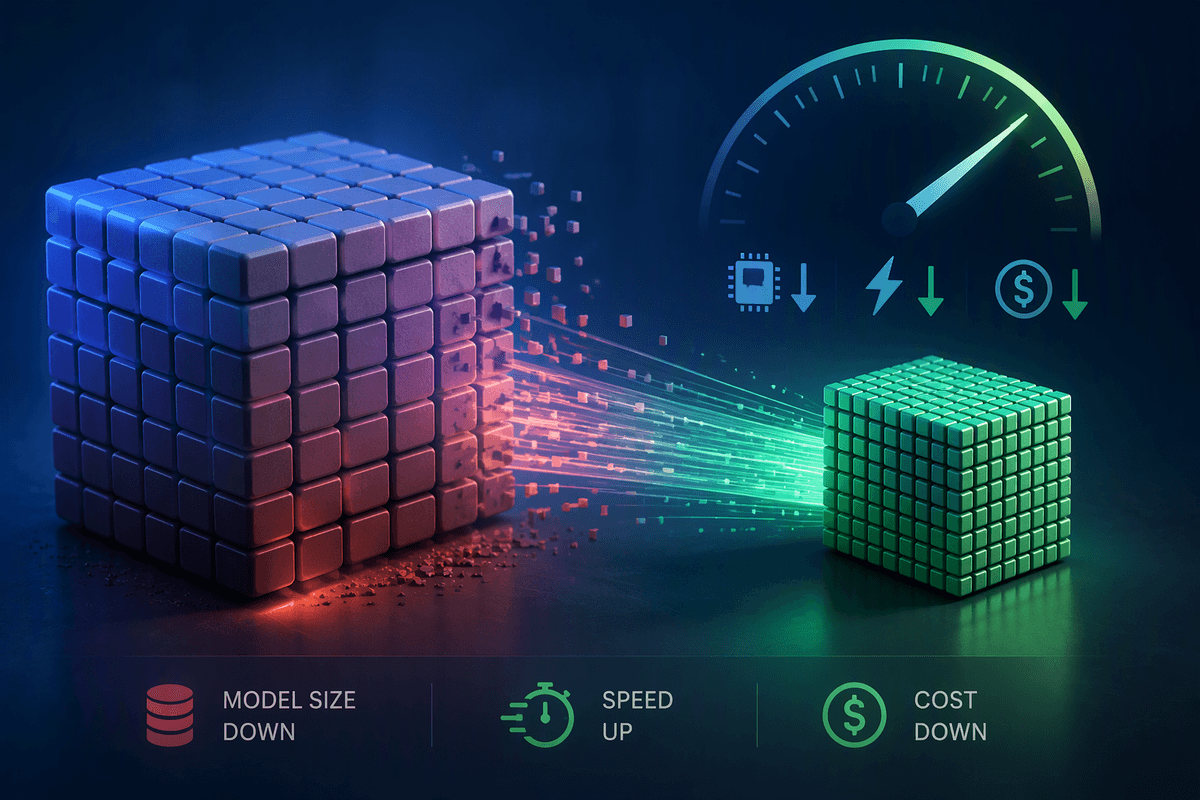
Someone installs a local coding model, tries it for a day, then stops using it because the editor “feels laggy.” That usually comes down to tokens-per-second and time-to-first-token. For inline completion, responsiveness matters more than raw quality, so a smaller checkpoint or a quantized build often wins. For chat-style refactors, a slower model can still be acceptable if the output is better and you’re not waiting on every keystroke.
Hardware planning is mostly VRAM math and concurrency. A single developer running a quantized model can get away with a modest GPU, but a team service needs headroom for parallel requests, longer contexts, and spikes. Context length is a hidden cost multiplier: long prompts increase latency, memory pressure, and inference spend even if the answer is short. You’ll also pay an engineering tax for serving (model loading, batching, caching, monitoring) and for guardrails like running tests or linters—often the difference between “neat demo” and “safe to rely on.”
A sensible adoption path: evaluate, tune, then scale
A predictable rollout starts with a narrow evaluation: pick 10–20 real tasks (completion in your main language, a representative refactor, a bug-fix with tests, a review pass) and score speed, edit quality, and “quietly wrong” rates. Run it on the hardware you’ll actually use, with your target context length, because those two variables dominate the experience.
Once you have a baseline, tune the workflow before tuning the weights: prompts, repo-aware context selection, and guardrails like generating a small diff plus a test command. If quality is still short, add lightweight adapters or retrieval, but budget for the operational cost: model updates, monitoring, and handling regressions. Scale only after you can show consistent wins and a clear fallback path when the model is uncertain.