Why video costs are shifting right now
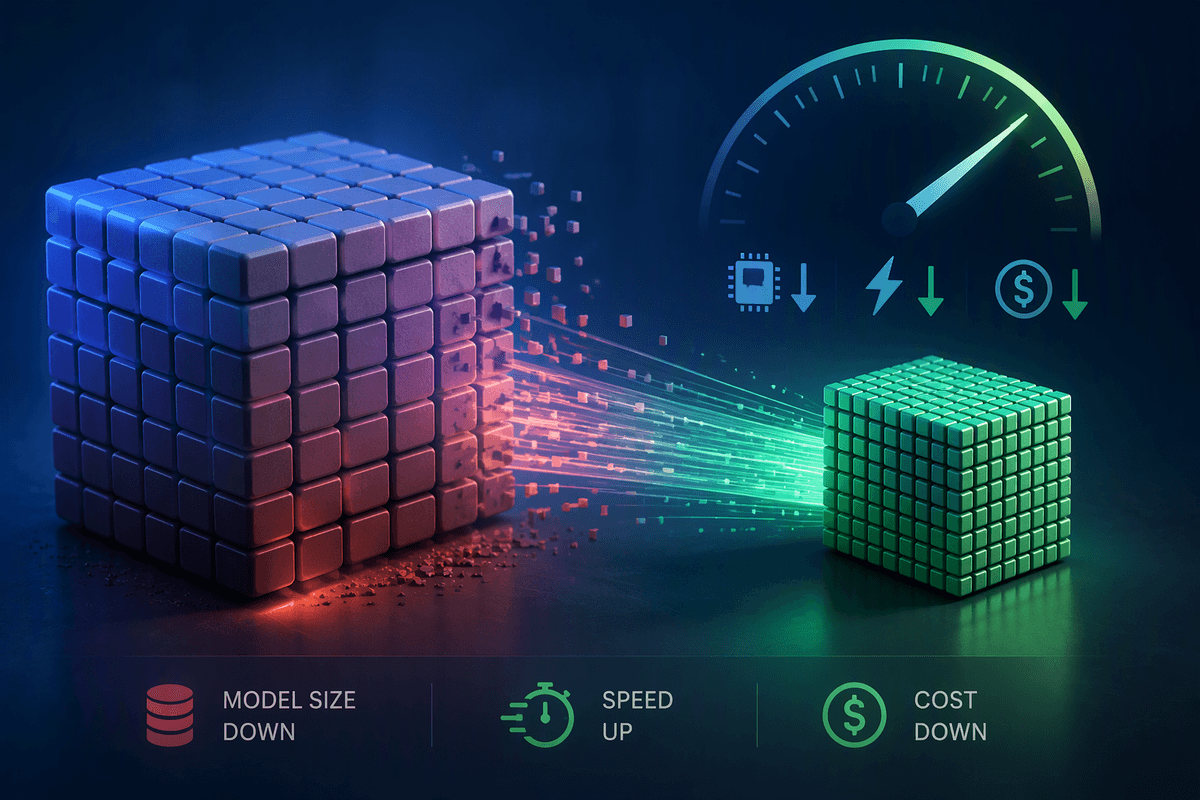
A year ago, most video budgets rose or fell with one obvious variable: how many people you hired for how many days. Today the cost curve is bending because more of the “making” can happen before a camera ever rolls. Teams are using generative tools for concept frames, animatics, scratch VO, alt cutdowns, and even placeholder shots, which reduces some shoot and post hours while pulling decisions earlier in the schedule.
At the same time, spending is moving from day rates to subscriptions, usage-based fees, and specialist time to manage prompts, versioning, and approvals. The constraint isn’t just price; it’s trust. When outputs vary run to run, stakeholders ask for more review passes, and that extra loop can erase the savings that looked obvious on the first estimate.
Which parts of production AI actually compresses
The quickest savings usually show up where you’re paying for “option value”—exploring directions before you commit. Mood boards, style frames, rough storyboards, and animatics can be generated fast enough that teams test three or five creative routes in the time it used to take to brief one. Script variations, headline swaps, and platform-specific cutdown plans also compress because you can produce usable drafts without booking talent or locking picture.
In production, AI mostly compresses the need for reshoots and pickups by making placeholders convincing earlier. Synthetic scratch VO, temp music beds, and mock supers help stakeholders react to timing and tone before you spend on final audio, graphics, or a second shoot day. In post, the biggest time wins tend to be mechanical tasks: transcription, captions, basic clean-up, selects, and first-pass edits. The “first pass” becomes cheap, but “final” can still be expensive if outputs drift from brand standards, require detailed art direction, or trigger new rounds of review and legal checks.
From crew hours to model subscriptions: the new spend mix
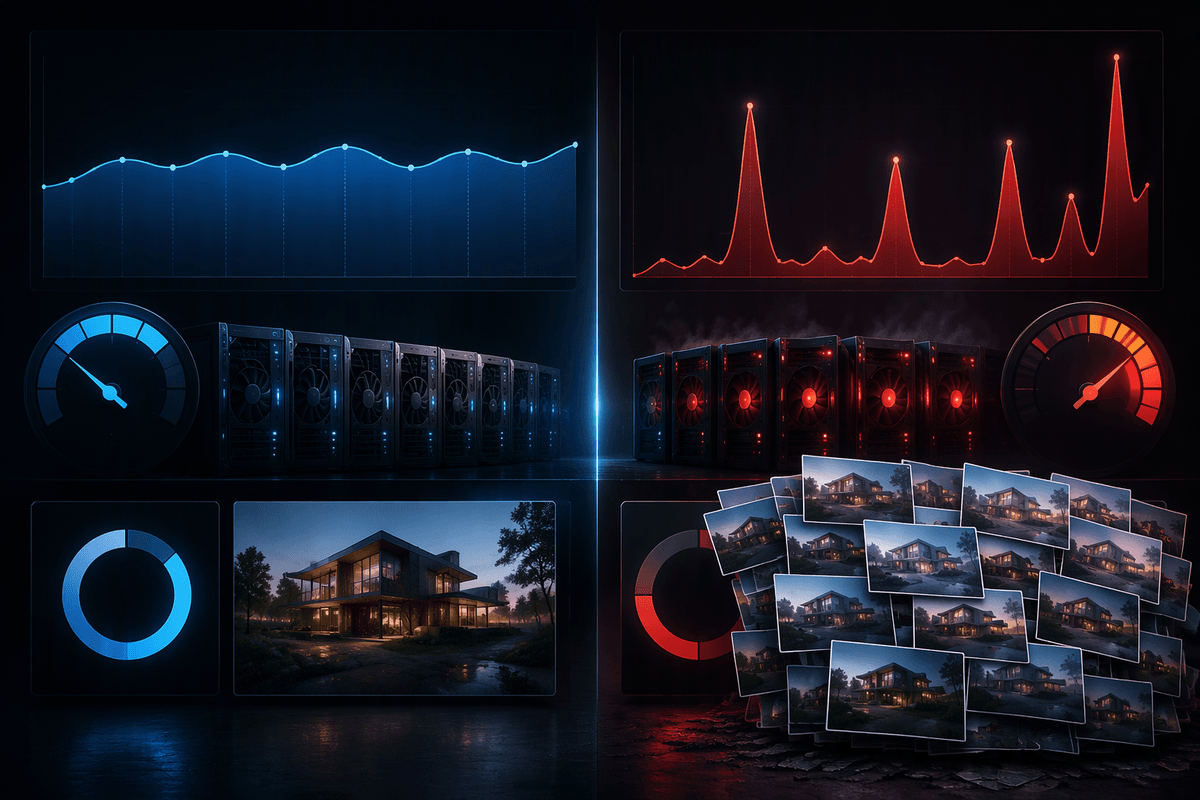
A familiar budget shift shows up the first time you compare estimates: fewer line items for a second editor week or an extra shoot day, but new recurring costs that don’t map cleanly to “days.” Instead of paying for more hands, you pay for access—model subscriptions, seat licenses for editing and design tools with AI features, and usage-based charges tied to minutes rendered, images generated, or credits consumed. Those fees often land on a different card and a different approval path, which can make the true cost feel smaller than it is until month-end.
Labor doesn’t disappear; it changes shape. You may reduce junior-heavy hours for roughing in cuts, but add specialist time for prompt iteration, asset curation, and keeping versions organized across stakeholders. Compute and storage can become real line items when you’re generating multiple variants at high resolution, especially if you need faster turnaround. The subscriptions are easy to forecast, but usage spikes when teams keep “trying one more option,” and that can quietly re-inflate the budget.
The hidden costs: review loops, compliance, and cleanup
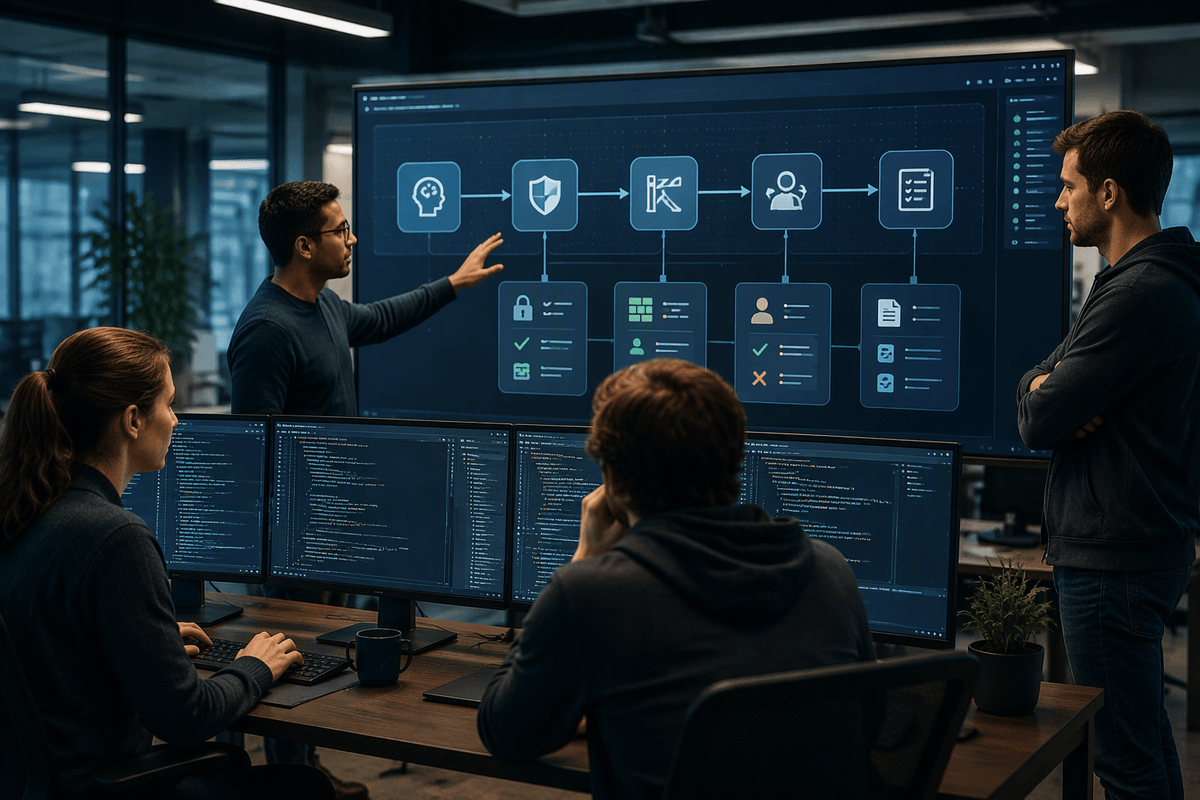
The budget surprise usually arrives after the first “cheap” draft lands in Slack. Because AI outputs can look finished while still being wrong, stakeholders often treat early versions as near-final and respond with precise, brand-driven notes. That shifts work into more rounds of review: extra exports, more comparison cuts, more time reconciling conflicting feedback, and more producer hours coordinating approvals. If you need three internal sign-offs plus a legal pass, each iteration multiplies—not just the generation cost, but the human time to manage it.
Compliance adds its own drag. Teams may need to document which tools were used, how training and usage rights are handled, and whether any synthetic elements must be disclosed in certain markets or platforms. Even when you’re confident the output is “original,” you still pay for clearance thinking: voice likeness risk, trademark-like artifacts in backgrounds, and music or font lookalikes that trigger takedowns. Cleanup is the quiet line item—fixing warped hands, inconsistent logos, jittery motion, or audio artifacts—often done manually in the same software you were trying to avoid.
Quality thresholds: when cheaper becomes too expensive
You can usually feel the quality threshold when a “good enough” draft starts creating downstream work. A product demo with fast cuts can tolerate occasional visual weirdness or slightly off lip sync; a hero brand film, regulated claim, or CEO message cannot. The cost mistake is assuming the same tool and workflow fits both. When brand markers are strict—exact packaging colors, consistent typography, realistic hands, correct on-screen UI—small defects become time sinks. The team stops “generating” and starts repairing.
Watch for three signals that cheaper is turning expensive: (1) notes become pixel-level (“fix the logo edge,” “match the shade,” “this doesn’t look like our product”), (2) feedback fragments because different stakeholders react to different artifacts, and (3) continuity breaks across versions, forcing rework in edit, color, and sound. At that point, a traditional shoot or a clean motion-graphics build may cost more upfront but finish faster, with fewer approvals and less legal anxiety.
Team and vendor implications: roles, rates, and contracts
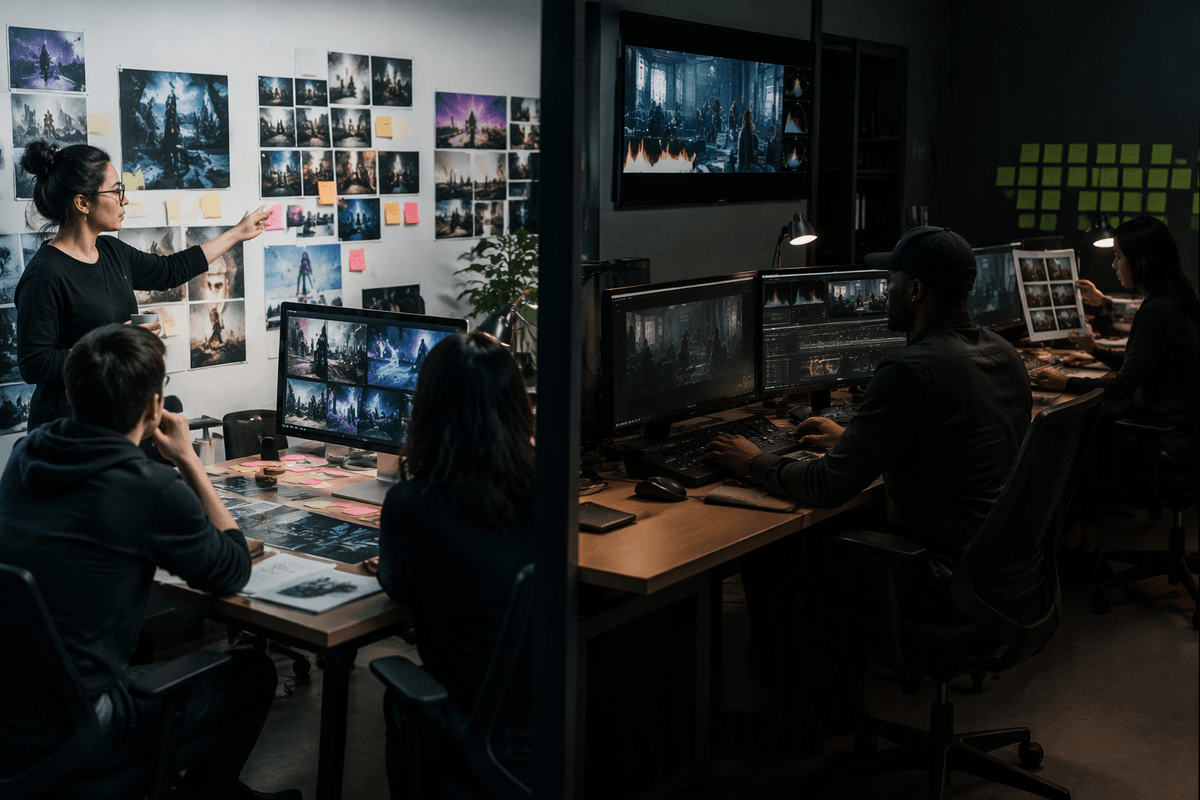
The staffing change shows up when you try to “swap in AI” without changing ownership. Someone still has to translate brand rules into prompts, manage reference assets, and keep shots consistent across versions. That work often lands on a producer-editor hybrid or a senior designer, which can raise effective rates even as total hours fall. Junior hours may drop for rote selects and first assemblies, but you can add specialist time for compositing, color matching, sound cleanup, and continuity fixes when generated material doesn’t behave like footage.
Vendors are adjusting too. Some shops will quote lower creative development because ideation is faster, then charge more for finishing and compliance. Contracts need clearer definitions of what “AI-assisted” means: who pays for subscriptions and usage spikes, how many review rounds are included, what documentation is delivered, and who carries the risk if a likeness, trademark-like artifact, or platform policy triggers a takedown. These clauses take time, and many small teams don’t have legal review baked into their timeline.
A practical way to pilot and forecast savings
A practical pilot starts with one real asset, not a demo: pick a single 15–30 second deliverable with clear brand constraints, then run it two ways—your normal workflow and an AI-assisted workflow—while tracking hours and hard costs in the same sheet. Log the “new” line items explicitly: subscriptions, usage credits, extra storage, and any specialist time spent on prompting, compositing, and legal checks. Put a cap on review rounds up front and timebox iteration (for example, two creative passes and one compliance pass), because unmanaged variants are the fastest way to lose savings.
Forecasting is easiest when you separate savings into buckets: reduced shoot/post labor, reduced reshoots, and faster versioning. Then subtract the predictable adds (seats, credits) and the risk-adjusted adds (cleanup and approval cycles). If the pilot only saves money when everything goes perfectly, treat the “savings” as fragile and price the next project as a hybrid: AI for exploration and placeholders, traditional methods for anything tied to product accuracy, claims, or executive visibility.