Why your profile photo matters more than you think
You can have the right keywords, a strong headline, and solid experience, and still lose momentum if your photo creates doubt. Recruiters scan fast, and your image becomes a shortcut for basic judgments: “Is this person real?”, “Do they look current?”, “Will they represent the company well?” That’s not fair, but it’s common behavior in high-volume hiring.
An AI headshot can raise your odds if it looks natural, recent, and role-appropriate. It can also backfire if it feels “too perfect,” mismatched to your age or industry, or inconsistent with other online traces. You don’t get to explain your intent—people only see the picture.
Where recruiters actually see your picture in the process
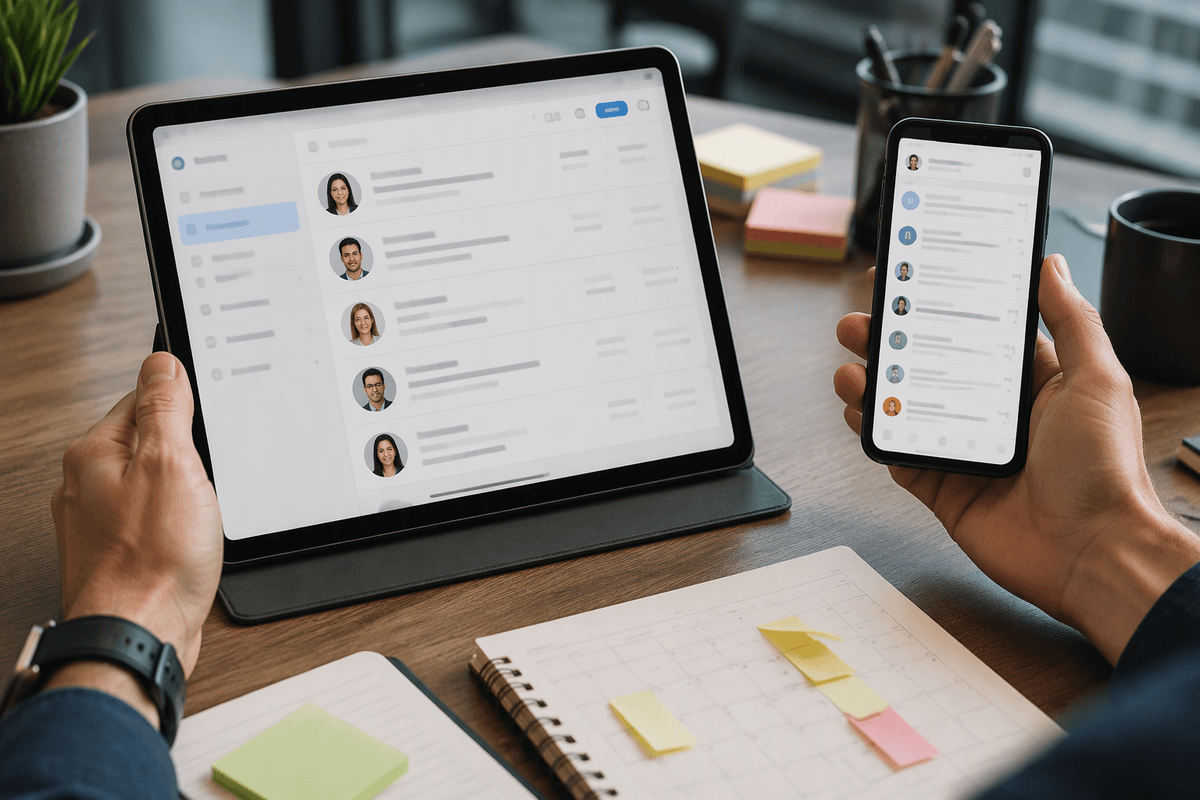
Most recruiters don’t encounter your photo in a single, dramatic moment. They see it in small places where they’re making quick decisions: LinkedIn search results, “People who applied” lists in an applicant tracking system, or a hiring manager’s forwarded shortlist. In those views, your photo sits beside your name, title, and a few lines of context, so it becomes part of the first-pass “do I click?” judgment.
After that click, your photo keeps working quietly. It’s on your LinkedIn profile header while they skim your timeline, and it can appear in email threads or internal notes when a recruiter is coordinating with a team. Many companies still ask candidates not to include photos on resumes (especially in the US), so your picture may be absent in the document that gets shared most widely. In practice, your LinkedIn photo often carries more weight than you expect, because it shows up earlier and more often than your resume does.
The trust problem: does it look real and current?
You’ve probably seen the kind of headshot that triggers a small pause: flawless skin, oddly even lighting, a background that feels like a hotel lobby rendered from memory. That pause is the trust problem. Recruiters don’t need to “detect AI” to feel uncertainty; they only need a reason to wonder whether the photo is accurate, recent, or a little too curated to rely on.
If your headshot suggests a different age, style, or level of formality than your work history, it reads as a mismatch. If your LinkedIn photo looks like a studio campaign but your other online photos look different, it can create the impression you’re managing perception rather than presenting yourself. The practical difficulty is that “current” is hard to prove from a single image, so any hint of artificial polish raises the odds someone quietly discounts the profile.
Industry and role norms: some benefit, some backfire
Some professions treat a polished headshot as essential, while others place little value on it or may view an overly produced image with skepticism. In client-facing roles such as sales, recruiting, consulting, real estate, and customer success, a clear, approachable photo can help establish familiarity before the first conversation. An AI-generated headshot may be a practical option when it resembles a recent, realistic photograph rather than an idealized version of the person.
Technical and research-focused roles generally place less emphasis on profile photos, so an unusually polished image may feel out of place. Security, law, journalism, and some public-sector positions may also involve stricter expectations around credibility and authentic representation. Creative industries are more varied: designers and marketers may have greater freedom to use stylized portraits, but the image should still fit their portfolio and professional identity. Across these fields, consistency matters most. A headshot that differs noticeably from how someone presents themselves in meetings, interviews, or other professional settings may undermine confidence rather than strengthen it.
A practical checklist for a job-safe AI headshot

You can treat an AI headshot like any other career asset: it either reduces uncertainty or adds to it. Start with the “could this be a normal phone photo?” test. Choose an image with natural skin texture, slight asymmetry, and lighting that looks plausible for a window or simple lamp—not a glossy, perfectly even studio glow. Keep the background boring (plain wall, soft blur, simple office) and avoid strange details around ears, glasses, fingers, or hairlines, which are common failure points.
Match what a coworker would recognize. Use your current hairstyle, facial hair, glasses, and approximate age. Dress one notch more formal than your daily work baseline, not three notches. If you wear hoodies to work, a tuxedo headshot reads like a costume. Keep framing standard: head-and-shoulders, eye-level, neutral expression, no dramatic angles. Then do the consistency check: compare it side-by-side with recent tagged photos or a video call screenshot. If it doesn’t look like the same person on the same timeline, don’t use it.
Finally, run a “verification moment” drill. Could you show up to an onsite interview looking like this without awkward explanations? If the answer is no, the photo is a liability, even if it looks impressive.
Hidden risks: bias, policy rules, and verification moments
A polished headshot can smooth first impressions, but it also changes what people infer about you. If your image looks “enhanced,” it can trigger a different kind of scrutiny: some reviewers will assume you’re masking age, ethnicity, or other traits to game perception. That suspicion can quietly increase bias rather than reduce it, especially if your photo reads as less like a candid human snapshot and more like a branded avatar.
There’s also a policy layer you don’t control. Some employers discourage photos in any context to limit discrimination risk, and some teams treat any synthetic media as a credibility flag in regulated or trust-sensitive roles. Even if no rule is written down, a recruiter may wonder what else is “optimized.” You won’t know why you were screened out.
Verification moments are where this gets real: video screens, onsite check-in badges, and introductions with hiring managers. If your headshot doesn’t match how you look this month, you create friction at exactly the time you want momentum.
So will it help you get the job? Decide and act
You’re not choosing between “AI” and “non-AI.” You’re choosing between a photo that reduces doubt and one that creates it. If you can take a current, decent phone headshot in ten minutes, do that—it’s the lowest-risk option. If you can’t, an AI headshot is most useful as a temporary bridge: use it only if it looks plainly real, matches how you’ll appear on a video call, and fits your industry’s norm.
When the role is trust-sensitive or policy-heavy, skip the experiment and go conventional. A slightly unpolished real photo usually beats a perfect-looking image that triggers questions you’ll never hear.