The new expectation: offices that adjust to each person
People have gotten used to services that remember their preferences—where they sit, what they see first, how loud notifications are. Then they walk into an office that treats everyone the same: one thermostat schedule, generic room booking rules, and a desk lottery that ignores what they need to do that day. The expectation gap shows up in small frictions: hunting for a quiet corner, arriving to a “reserved” room that’s empty, or spending the first 10 minutes fixing lighting and video audio.
An office that “adjusts to each person” doesn’t require futuristic buildings. It usually means using existing systems—booking tools, access badges, occupancy sensors, AV, HVAC, lighting—to make sensible defaults for comfort and space choices, then changing them when reality disagrees. The hard part isn’t imagining features; it’s paying for integration, maintaining reliable data, and setting boundaries so personalization doesn’t become surveillance or a fragile stack that breaks during a busy Tuesday.
Personalization opportunities employees actually notice day to day
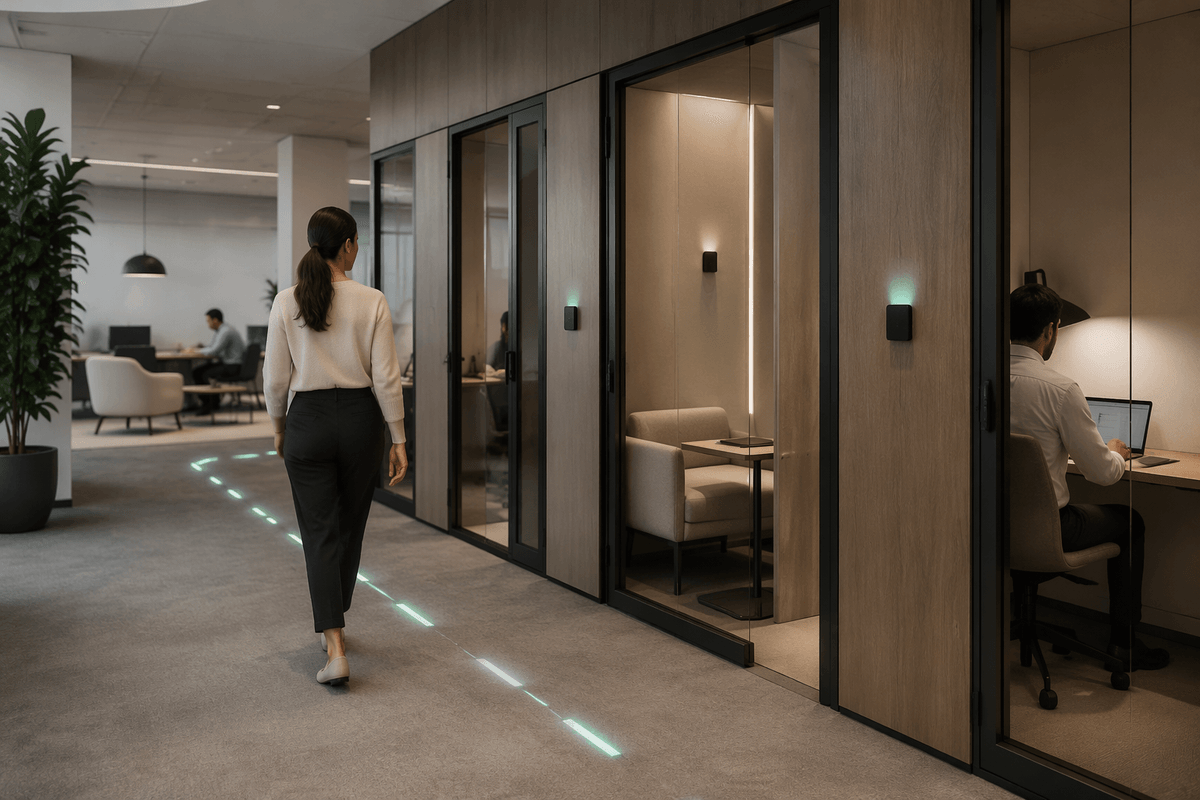
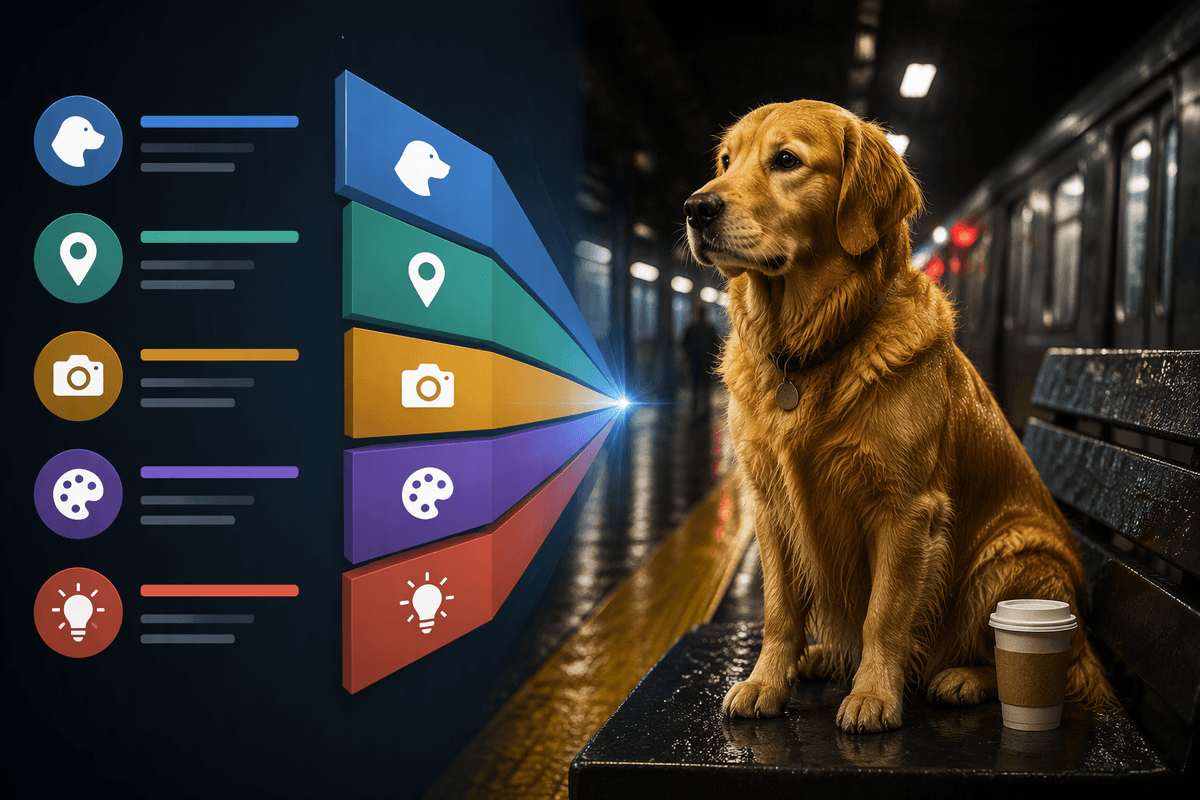
Walk through a typical day and the “wins” are surprisingly ordinary. People notice when the room they booked is actually available because the system releases no-shows and suggests alternatives based on live occupancy. They notice when wayfinding points them to an open focus pod instead of sending them on a lap around the floor. They notice when a desk recommendation accounts for what they’re doing—quiet work near fewer collaboration zones, or a spot with reliable video for client calls—rather than first-come, first-served.
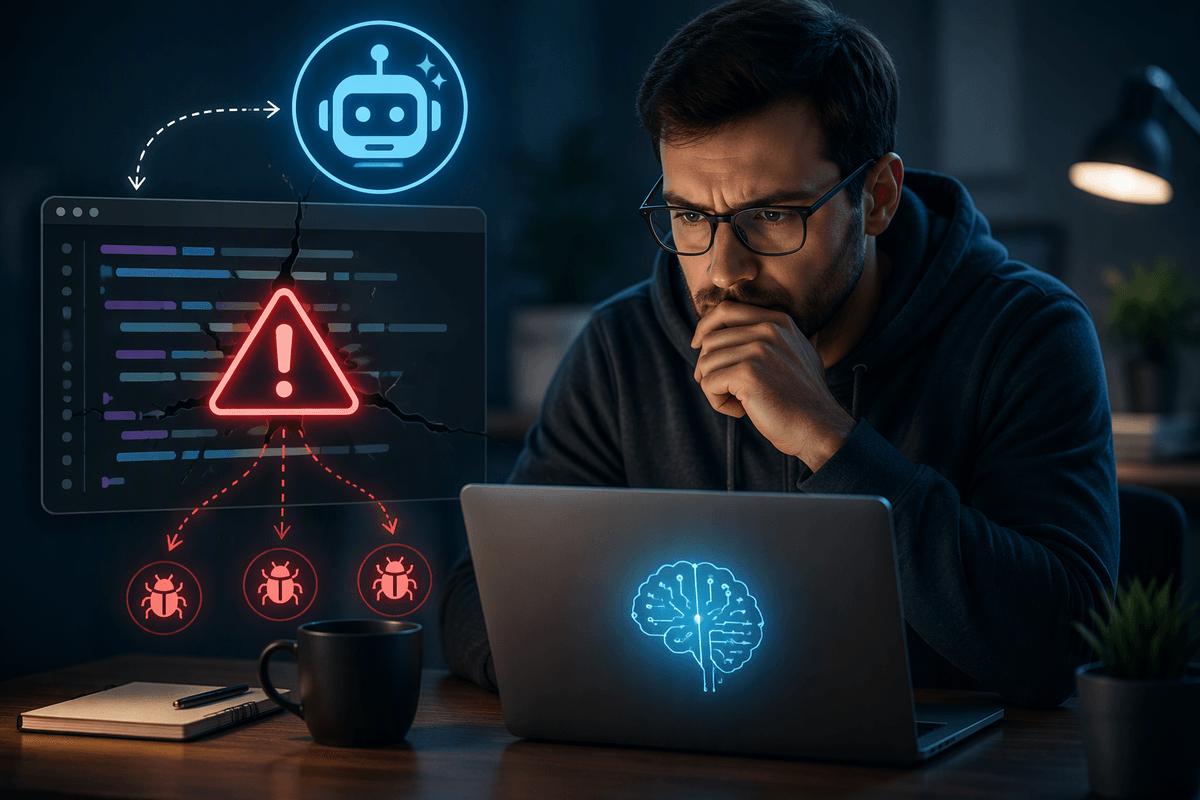
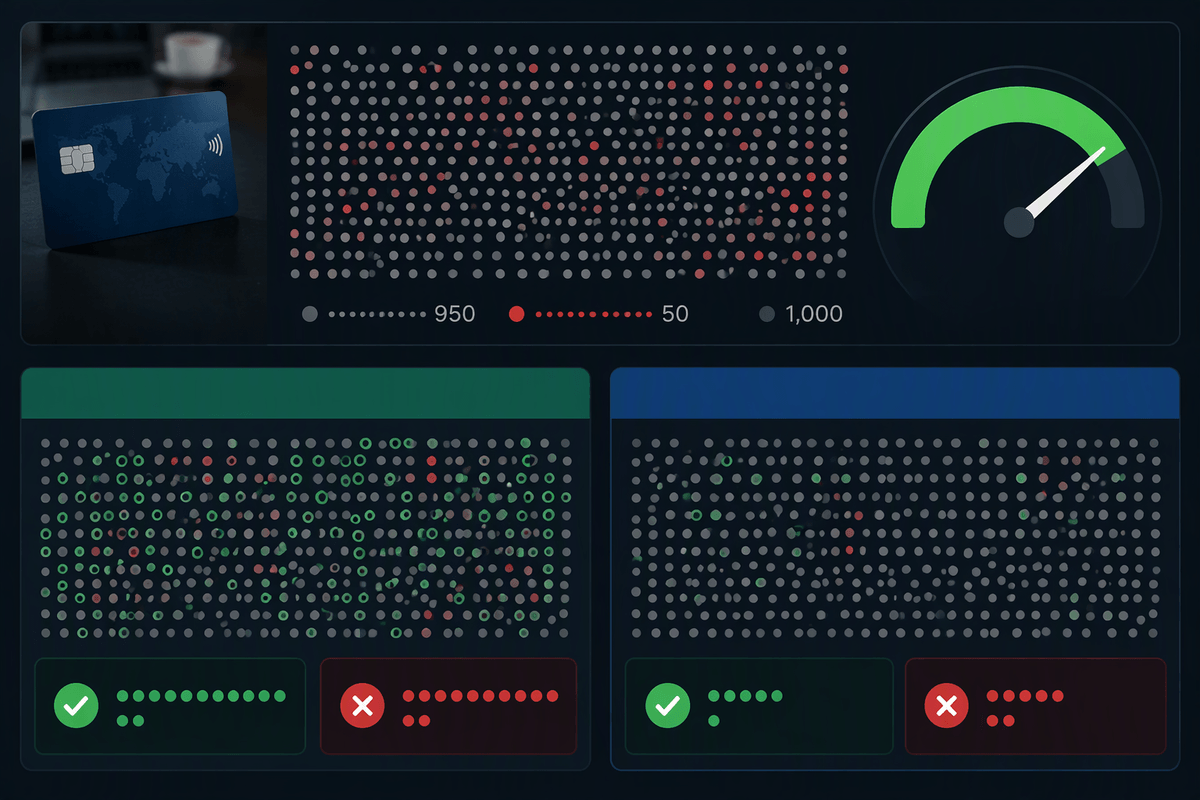
Comfort features matter most when they remove repetitive setup. Lighting that returns to a preferred brightness when someone badges into a neighborhood, or meeting rooms that default to the right camera and audio profile, can save minutes that add up. If recommendations are wrong 20% of the time, people stop trusting them. These benefits also come with real costs—sensor maintenance, AV calibration, and help-desk load when “smart” behaviors misfire.
What data an adaptive office needs—and what it doesn’t
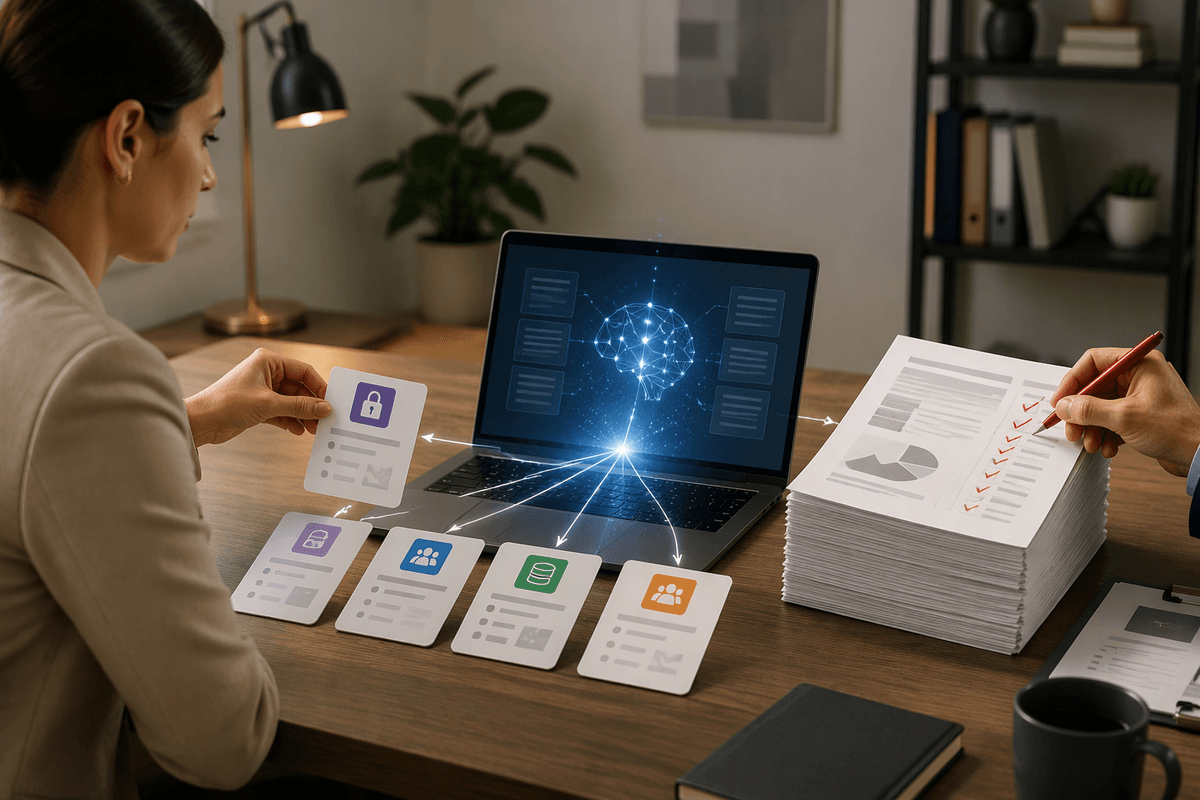
The quickest way to stall an “adaptive office” program is to start by asking for more data than you need. Most day-to-day personalization works with a small set of signals: room and desk bookings (including check-in/no-show), real-time occupancy at the zone or room level, basic environmental readings (temperature, CO2, noise), and simple device state from AV and lighting. Add identity only where it clearly improves outcomes—typically a stable employee or team identifier to remember preferences, and a role-based view so facilities, IT, and managers see different details.
What it usually doesn’t need is constant tracking of individuals. You can avoid precise location trails, microphone audio, camera analytics, and full badge logs in many deployments by using aggregated counts and short retention windows. The practical trade-off is accuracy versus intrusiveness: fewer personal signals means you’ll need better defaults, clearer “undo” controls, and occasional manual input when the system can’t infer intent.
How AI turns signals into actions across space and time
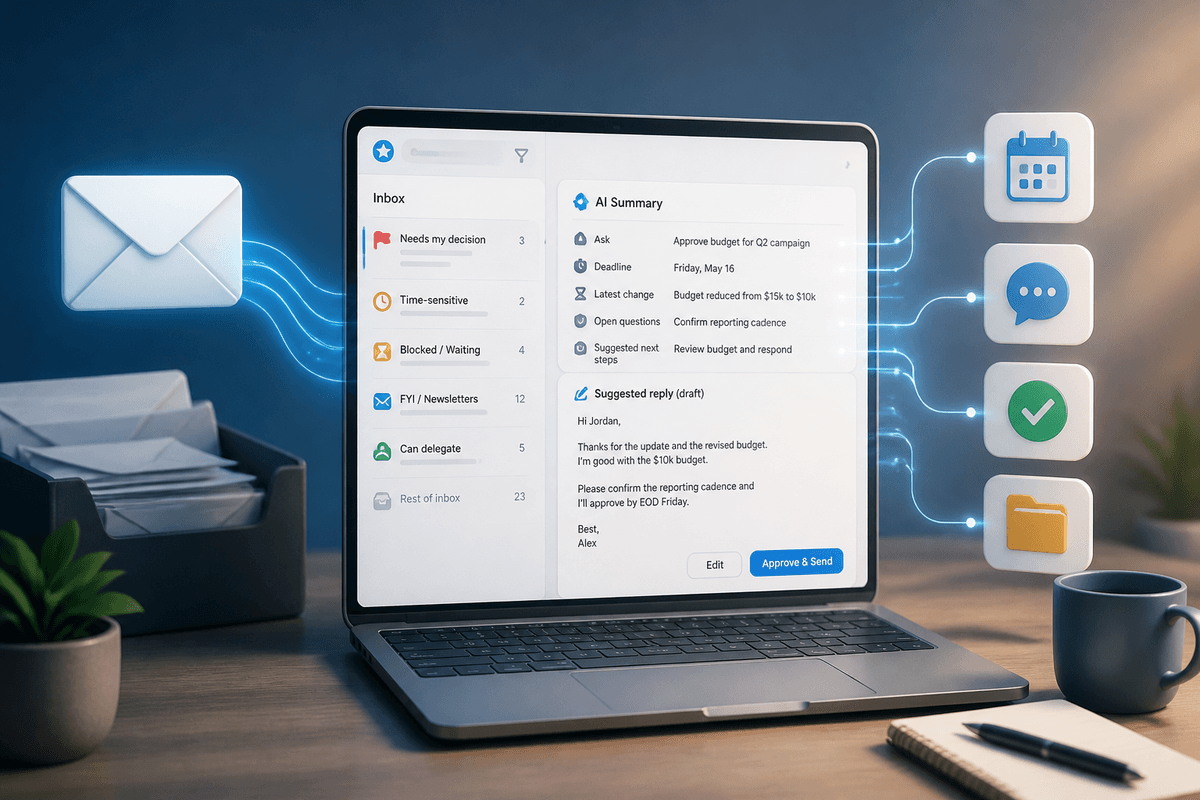
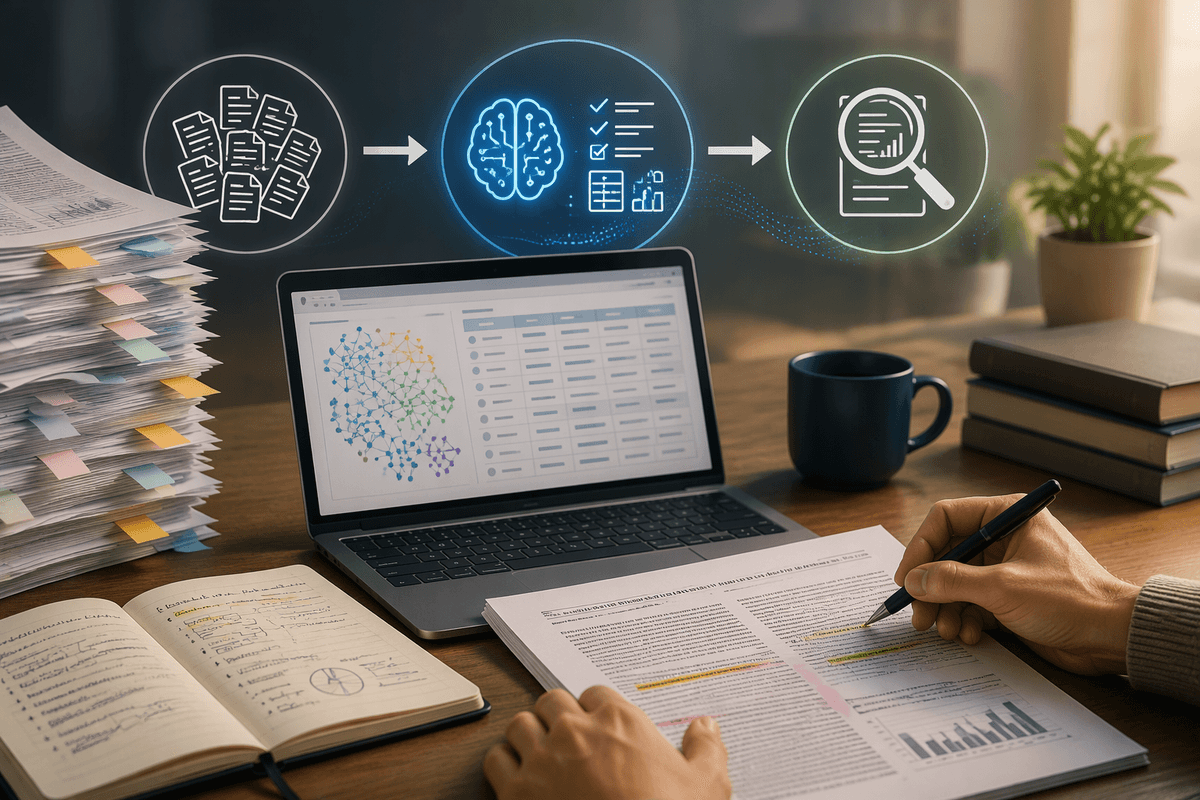
A familiar moment: two teams book adjacent rooms, one runs hot with 12 people on video, the other has three people doing quiet work. The raw signals are straightforward—bookings, live occupancy, CO2, temperature, device status—but “AI” is the layer that decides what to do, when, and where. It learns patterns like which rooms regularly go unused, how quickly certain zones get noisy, and which desk neighborhoods support reliable calls, then turns that into recommendations and automation that don’t require constant human tuning.
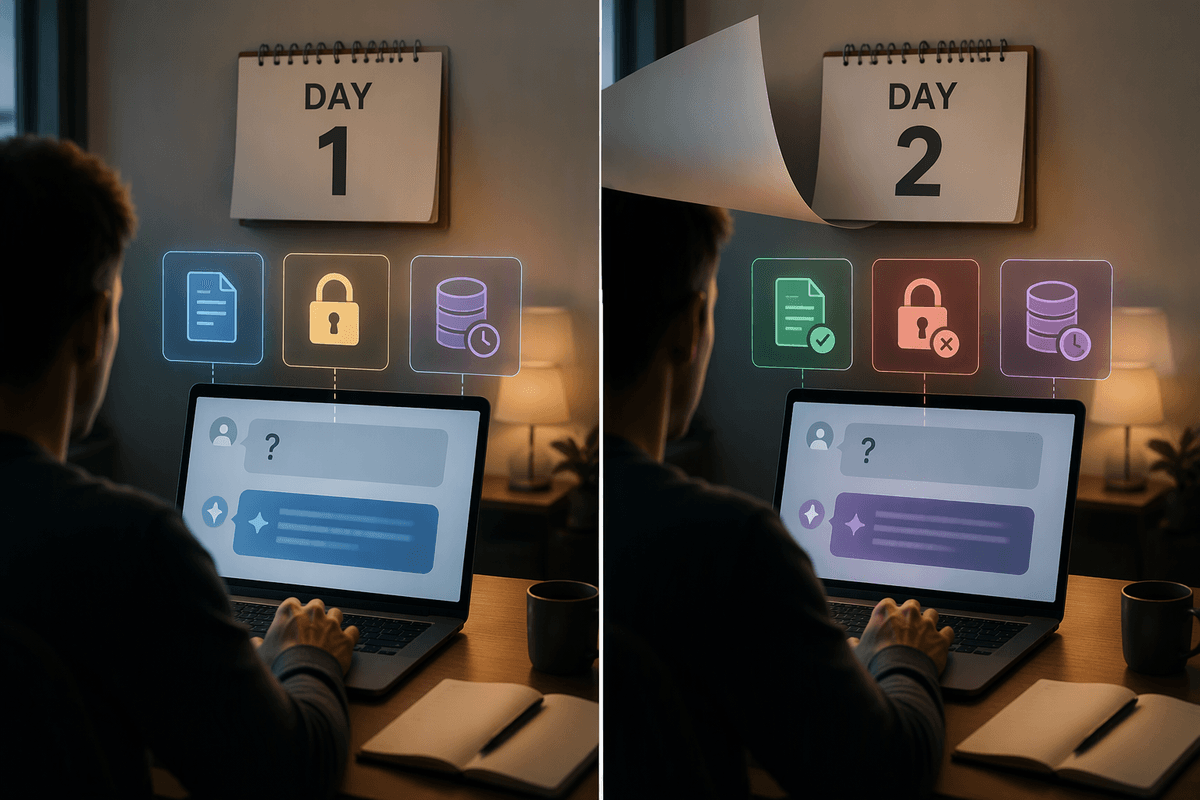
Good systems separate immediate control loops from longer-horizon planning. In the moment, they can release no-shows, pre-condition rooms before meetings, and nudge people toward spaces that match their task. Over weeks, they can reshape default HVAC schedules, flag chronically mis-sized rooms, and adjust desk supply by neighborhood. The limitation is operational: models drift when layouts change, sensors fail, or teams reorganize, so you need monitoring, fallbacks, and a way to “teach” the system when it gets a decision wrong.
Personal comfort vs. shared fairness: avoiding workplace conflict
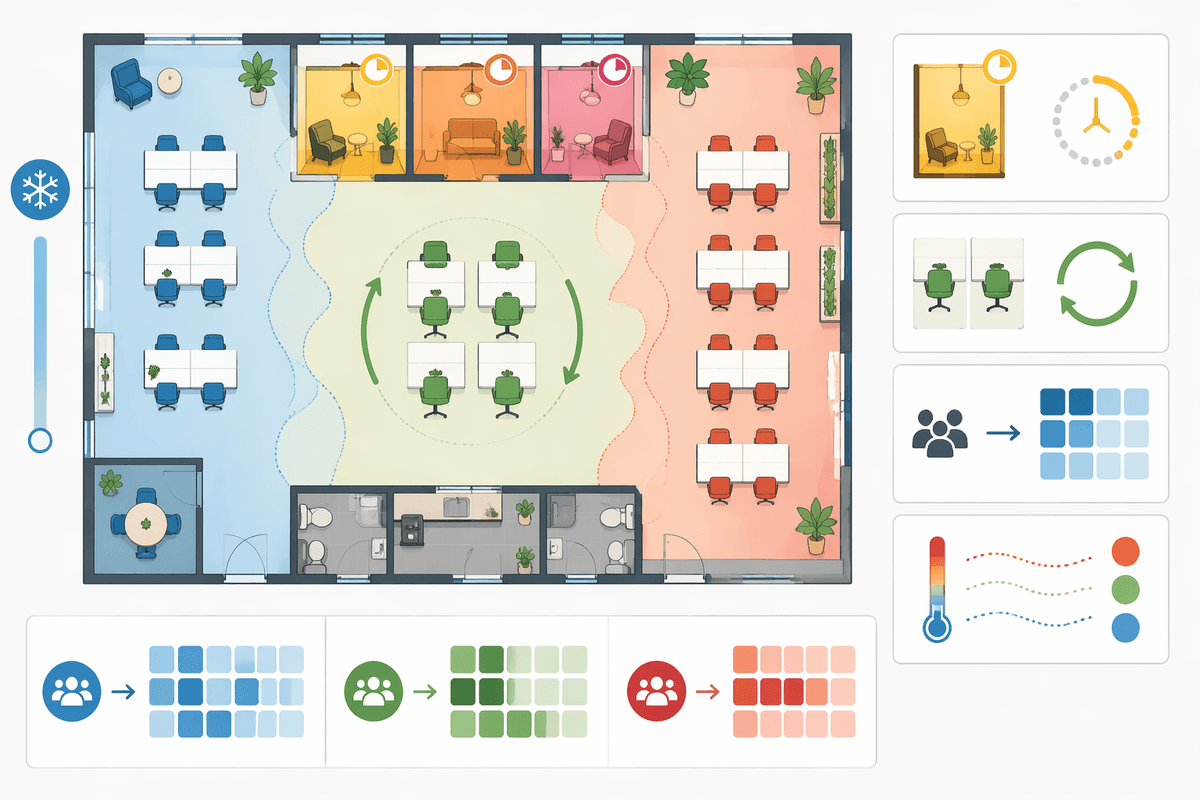
Personalization creates a predictable tension: the office is shared, but comfort is experienced individually. If one person’s preferred temperature makes another miserable, or “smart” desk recommendations consistently favor the same neighborhoods, people read it as favoritism even when it’s just an algorithm optimizing for past patterns. The most common flashpoint is scarcity—quiet rooms, high-quality video rooms, and window desks—because any ranking system looks like a hidden policy if employees can’t see what it’s optimizing for.
Set guardrails like temperature bands by zone, time limits on premium rooms, rotation rules for high-demand desks, and team-level allocations during peak days. Make the controls reversible: let employees override recommendations, and log outcomes at an aggregated level so you can spot uneven access without auditing individuals. The practical cost is governance work—defining “fair enough,” handling exceptions, and tuning rules when they collide with real workflows.
Privacy, consent, and trust: designing for “not creepy”
The quickest way to lose employee trust is to make the system feel like it’s watching people rather than serving them. A simple test: if you can’t explain, in one sentence, what a data point is used for, don’t collect it. Many useful features—releasing no-shows, pre-conditioning rooms, guiding people to open spaces—work with room-level occupancy and short-lived device state. They don’t require precise individual location trails, always-on badge histories, or anything that sounds like “behavior monitoring.”
Consent has to be real, not buried. Give employees a clear choice to opt in to personal preferences (temperature, lighting, desk neighborhood), and keep a functional “guest mode” for everyone else. Make it easy to see and edit what’s stored, set tight retention by default, and spell out who can access what (facilities vs. HR vs. managers) with audit logs. The stronger privacy often means weaker inference, so budget time for better defaults, more manual controls, and more communication when the system can’t “just know.”
Integrating with IT and facilities without creating a fragile stack
A common failure mode is building personalization as a set of “smart” point solutions that don’t agree on basics: what counts as a room, when a desk is considered occupied, or which system is the source of truth for identity and access. IT and facilities usually run on different cadences—security patches and identity governance on one side, HVAC and maintenance cycles on the other—so integrations need clear ownership and boring interfaces. Start by standardizing the primitives (space IDs, time zones, device naming, booking states), then connect through well-supported APIs or a middleware layer rather than brittle screen-scraping or one-off scripts.
Design for partial failure. If occupancy data drops, the booking system should still work; if the recommendation service is down, people should still find spaces with signage and maps. Expect ongoing costs: certificate renewals, firmware updates, sensor battery replacement, and vendor changes. Avoid lock-in by insisting on data export, event logs, and documented control paths so you can swap analytics without rewiring the building.
Rolling out personalization: pilots, metrics, and when to stop
Most organizations learn faster by piloting one or two workflows in a bounded area: a single floor, a high-demand meeting room cluster, or a desk neighborhood with clear pain. Pick a success metric people can feel and you can measure: reduced no-show time, fewer “can’t find a room” tickets, faster room readiness for video, improved peak-day utilization, or lower comfort complaints per occupant-hour. Track a baseline for a few weeks, then run the pilot long enough to hit a busy cycle, not a quiet month.
Define stop rules up front. If accuracy stays inconsistent, the help desk load spikes, opt-in rates stall, or privacy concerns keep resurfacing even after changes, pause and simplify. Some personalization is worth keeping “dumb”: publish better norms, fix booking policies, improve signage, and tune HVAC schedules. A disciplined rollout treats automation as optional, not inevitable.